Explore Symfony workspace
This guide covers the workspace exploration workflows available in SymfonyKD.
Sidebar and workspace indicator
Section titled “Sidebar and workspace indicator”The sidebar is the primary place to inspect project data and Symfony subsystems.
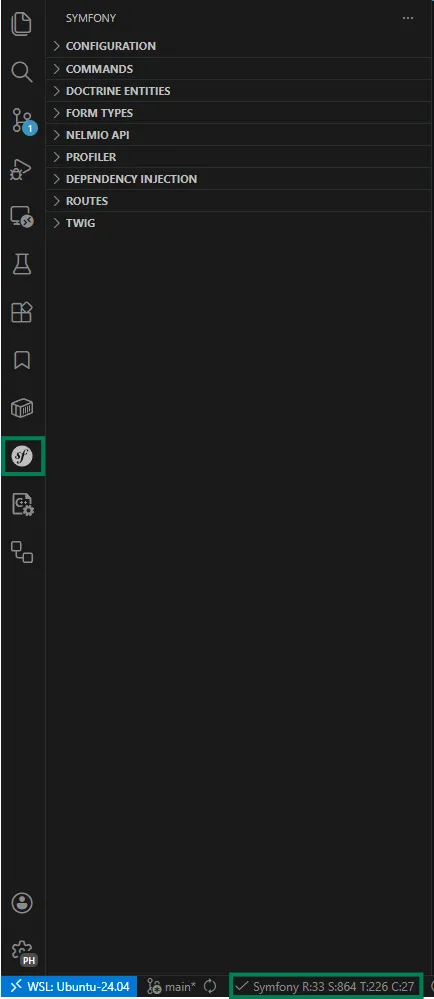
From the workspace indicator, open the workspace summary to inspect high-level project information.
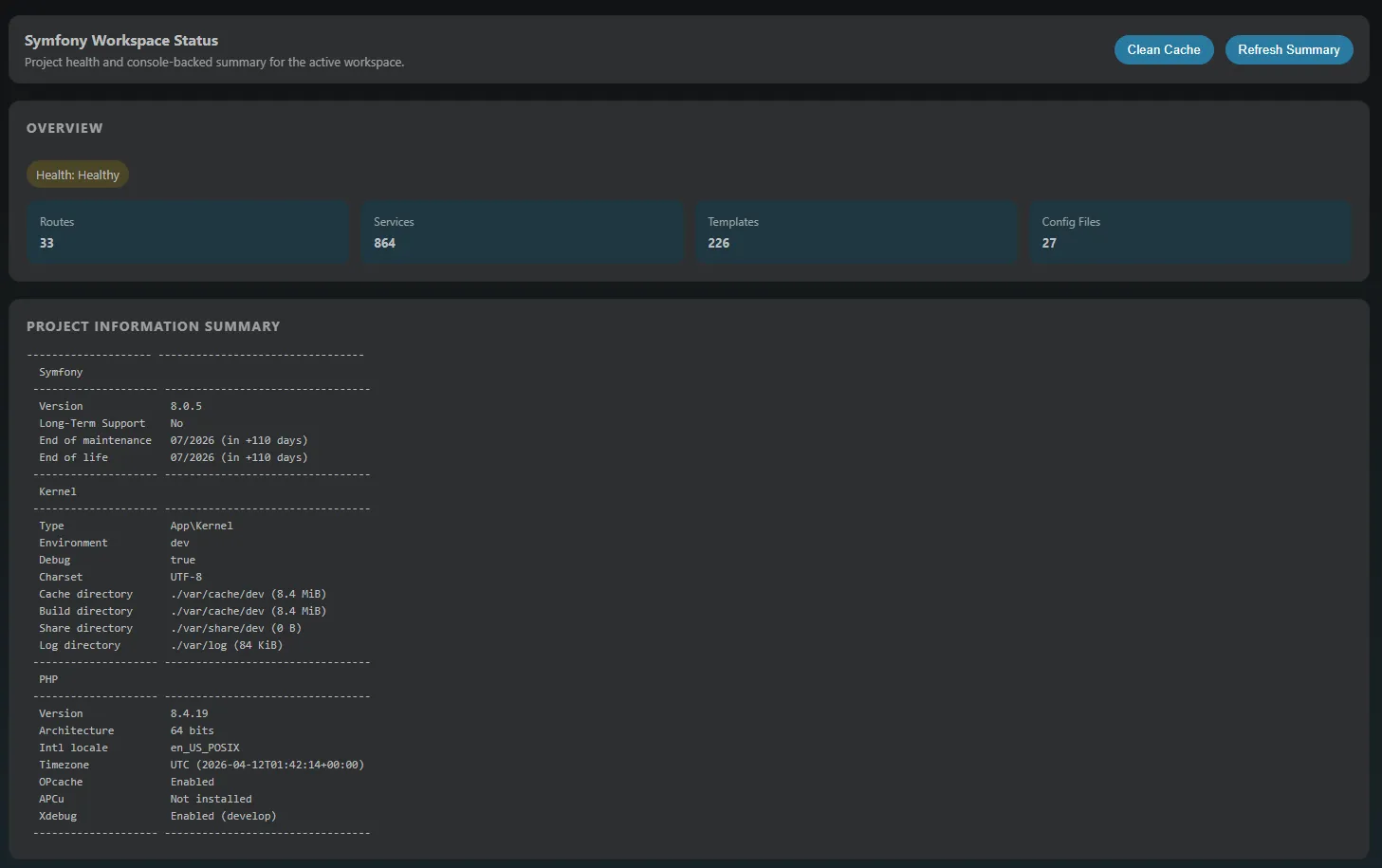
Configuration workflows
Section titled “Configuration workflows”Use the configuration section when you need fast inspection and comparison of Symfony settings.
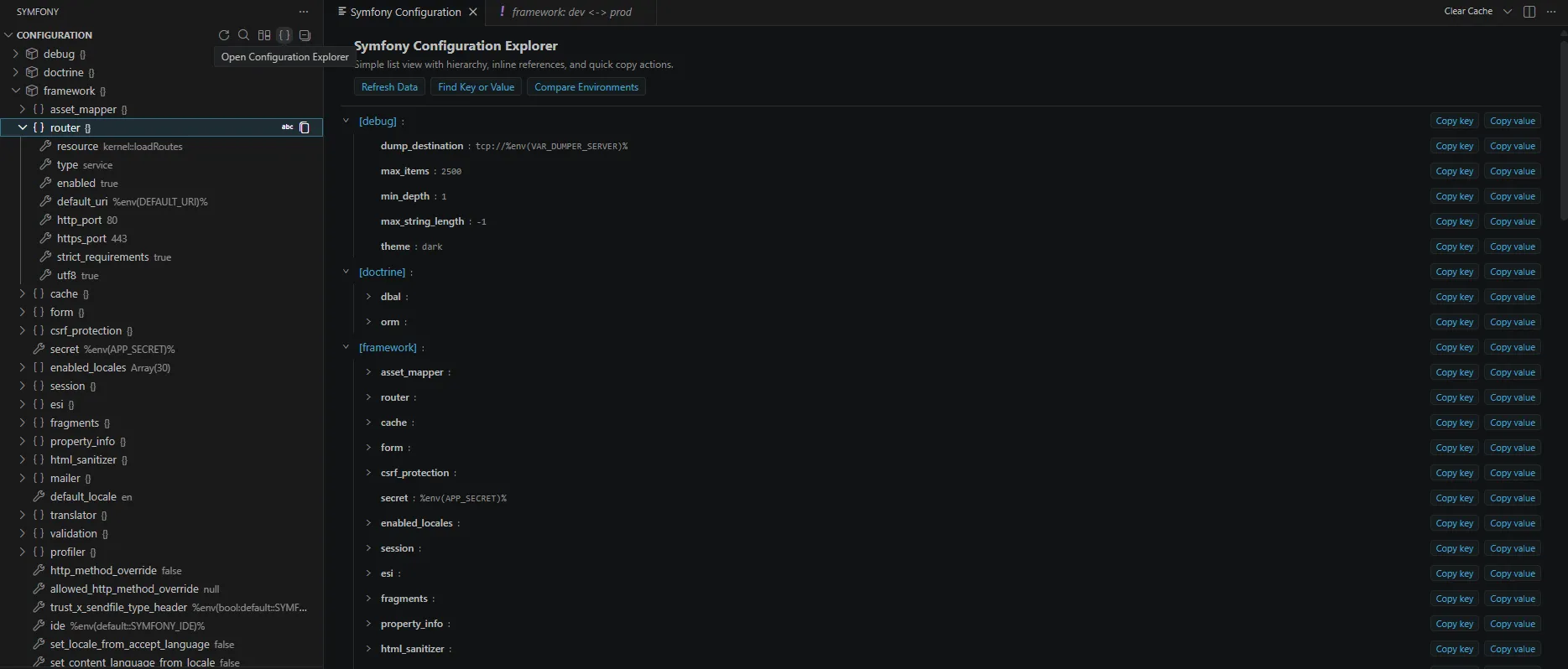
Available workflows include:
- Refresh data
- Search in the sidebar tree
- Compare environments with Envs Diff
- Open the full configuration explorer
- Copy keys and values
- Navigate to service definitions
Dependency Injection workflows
Section titled “Dependency Injection workflows”Inspect Symfony dependency injection details in one place.
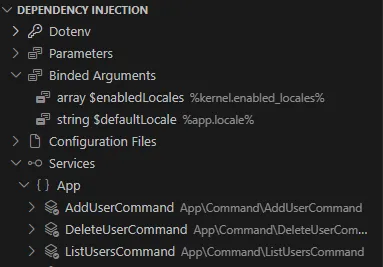
Use this view for:
- Environment variable values
- App parameters
- Configuration files
- Bound arguments with navigation to definitions
- Full service list with navigation support
Routes workflows
Section titled “Routes workflows”Review route names, metadata, and controller references.
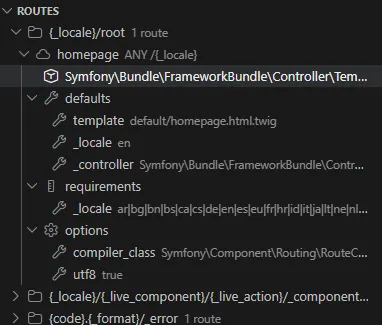
Use route navigation to jump quickly into controller code while reviewing endpoint behavior.
Profiler workflows
Section titled “Profiler workflows”Profiler support helps you inspect captured entries from inside VS Code.
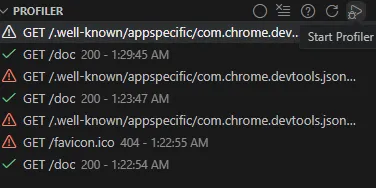
Main actions:
- Start capture (manually or with debugger automation)
- Reload data
- Clear history
- Open setup help
- Open profiler pages directly from captured entries
Next: Run console commands